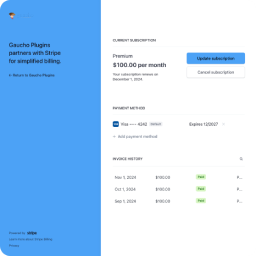
Customer Portal Endpoint
Reference for the dedicated front-end URL the plugin registers via a custom rewrite rule — request handling, permalink requirements, the confirmation message, and how to disable the endpoint in favor of shortcode-only mode.
The plugin registers a dedicated front-end URL where customers enter their email to start the login flow.
Default URL#
With the default slug customer-portal:
https://yoursite.com/customer-portal/Change the slug under Stripe Portal settings. See Settings Reference.
What customers see#
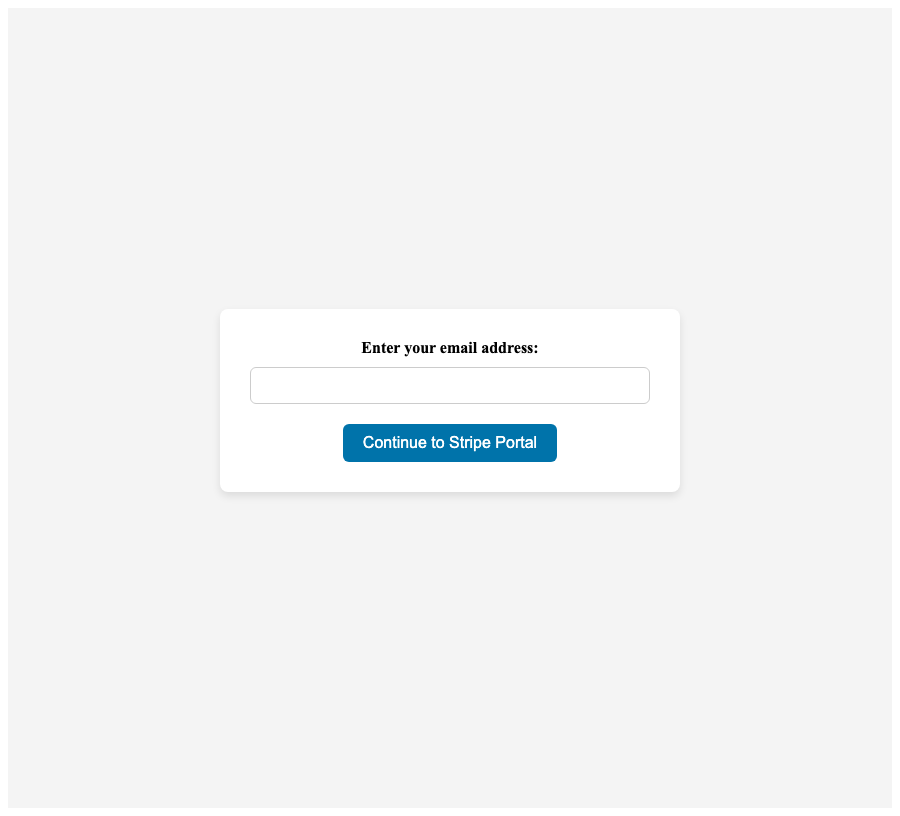
Visiting the endpoint shows a full-page login form:
- Email field
- Continue to Stripe Portal button
- Centered layout with light gray page background
Requirements#
- Pretty permalinks — Plain permalinks (
?p=123) may not resolve custom endpoints reliably. Use Post name or another structure with rewrite rules. - Non-empty slug — If the slug is empty, the dedicated page is disabled; use the shortcode instead.
- Permalink flush — Resave Settings → Permalinks after slug changes.
Request handling#
| Request | Behavior |
|---|---|
GET /{slug}/ | Renders the email login form |
POST /{slug}/ (or POST from shortcode page) | Validates nonce, applies the rate limiter (5/10min per email + per IP), optionally checks existing customer, sends magic-link email, shows confirmation |
GET /{slug}/?token=... | Re-hashes the token, validates the matching transient, opens Stripe Customer Portal session, redirects to Stripe |
Confirmation message#
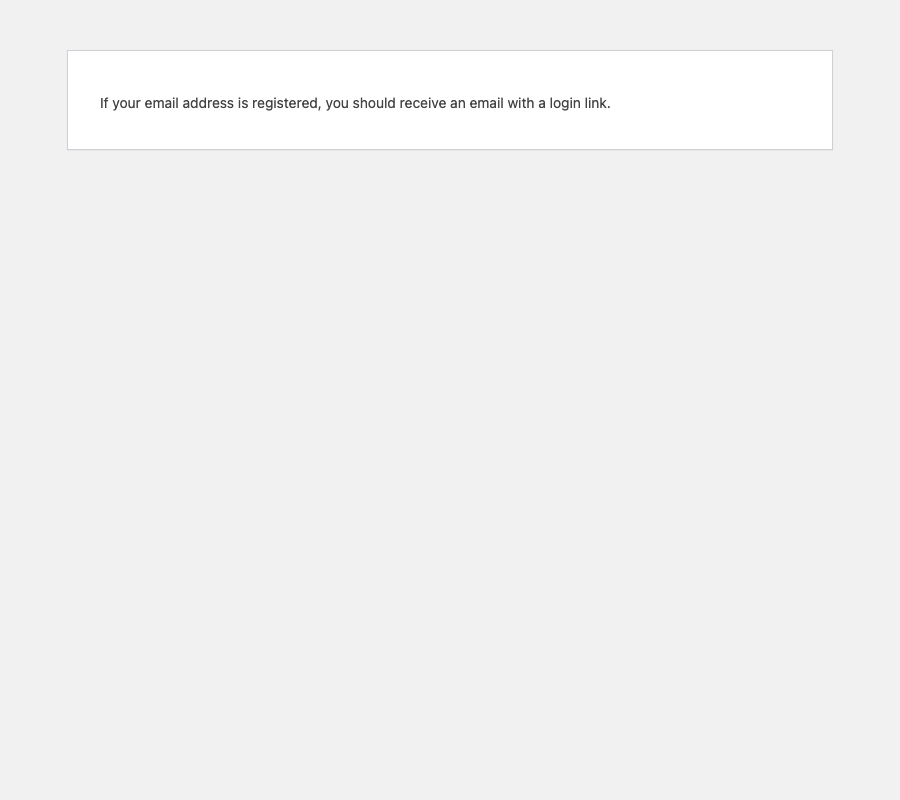
After submitting the form, customers see one of two enumeration-safe messages, depending on the existing customers only setting:
- Default mode (unchecked): “A login link is on its way. Please check your inbox for the link to access your Stripe Customer Portal.”
- Existing-only mode (checked): “If your email address is associated with a Stripe customer, a login link is on its way. Please check your inbox.”
In either case the message is identical for known and unknown emails — the plugin never reveals whether a Stripe customer exists for the submitted address.
Disable the endpoint#
Clear the Customer Portal Slug field and save. The rewrite rule is not registered, and only the shortcode remains available.