Stripe Prerequisites
What the plugin requires on the Stripe side before you configure WordPress: an active Stripe account, the Customer Portal enabled in your Dashboard, and a Secret API key for the mode (test or live) you intend to use.
Stripe account#
You need an active Stripe account. The plugin uses your Secret API key to look up customers, create customers when allowed, and open Billing Portal sessions.
Enable the Customer Portal#
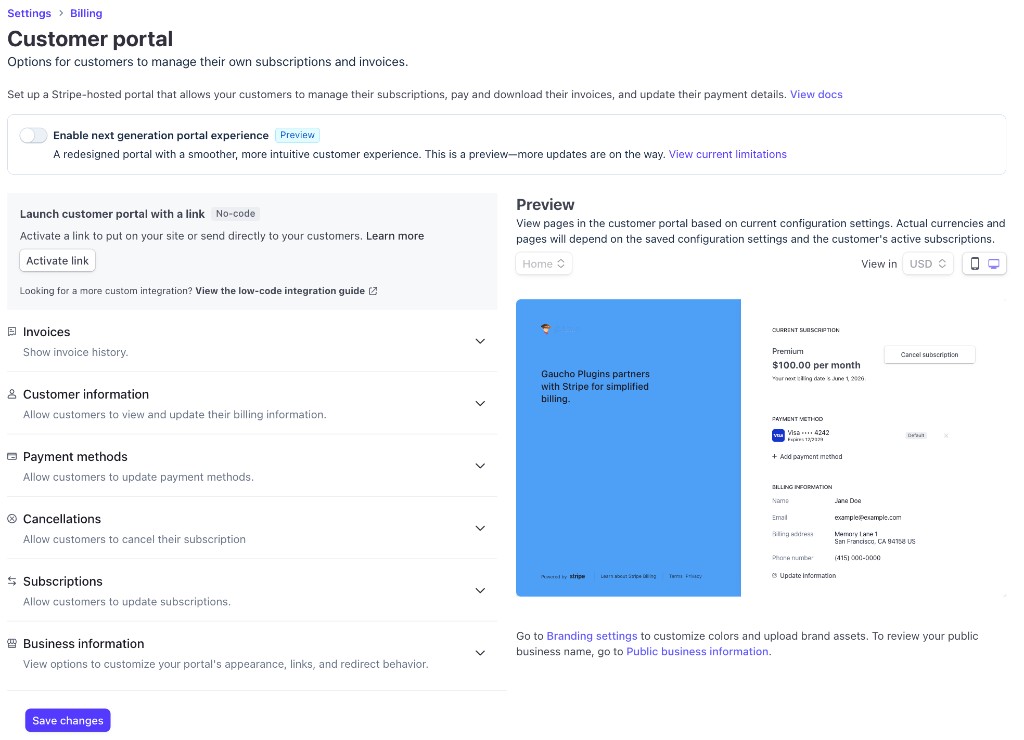
Stripe's Customer Portal must be enabled in your Dashboard:
- Log in to the Stripe Dashboard.
- Go to Settings → Billing → Customer portal (or open Customer portal settings directly).
- Configure which actions customers can perform (update payment methods, cancel subscriptions, view invoices, etc.).
- Save your portal configuration.
If the Customer Portal is not enabled, customers may see errors when they click the login link from your site.
API keys#
The plugin requires your Secret key (starts with sk_test_ or sk_live_):
- In Stripe Dashboard, go to Developers → API keys.
- Copy the Secret key for the mode you want to use (Test or Live).
- Paste it into Stripe Portal settings in WordPress (see Settings Reference).
Use Test mode keys while setting up. Switch to Live keys only when you are ready for real customers.
Never expose your Secret key in front-end code, public repos, or client-side JavaScript. The plugin stores it in WordPress options and masks it in the admin UI after save.
Test vs Live mode#
| Mode | Secret key prefix | Use when |
|---|---|---|
| Test | sk_test_ | Development, staging, and QA |
| Live | sk_live_ | Production site with real customers |
Test and Live data are separate in Stripe. Customers and portal sessions created in Test mode do not appear in Live mode.
What customers can do in the portal#
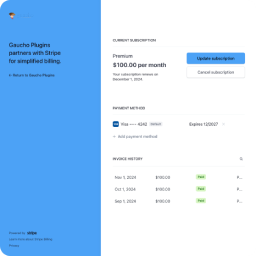
Once logged in, customers use Stripe's hosted portal (not WordPress) to manage billing according to your Dashboard settings. Typical options include:
- View and download invoices
- Update payment methods
- Manage subscriptions (cancel, switch plans — if configured)
- Update billing details
The exact options depend on how you configure the portal in Stripe.